Live Financial Pipeline & Due Recovery
Record customer token advance payments directly on site. Alux continuously monitors outstanding balances, calculates taxes, and updates pipeline status badges (Draft, Sent, Approved, In Production).
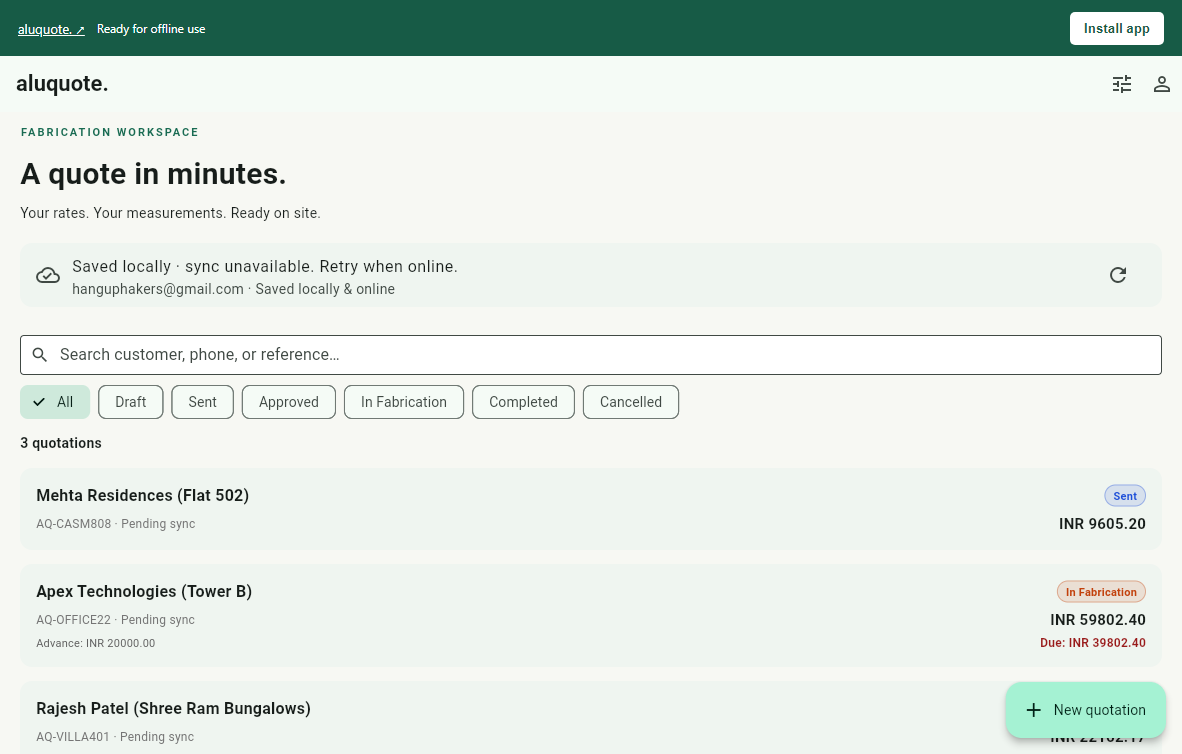
The world-class estimating and production workspace for aluminium window & door systems. Built offline-first for engineers, workshops, and architectural fabricators.
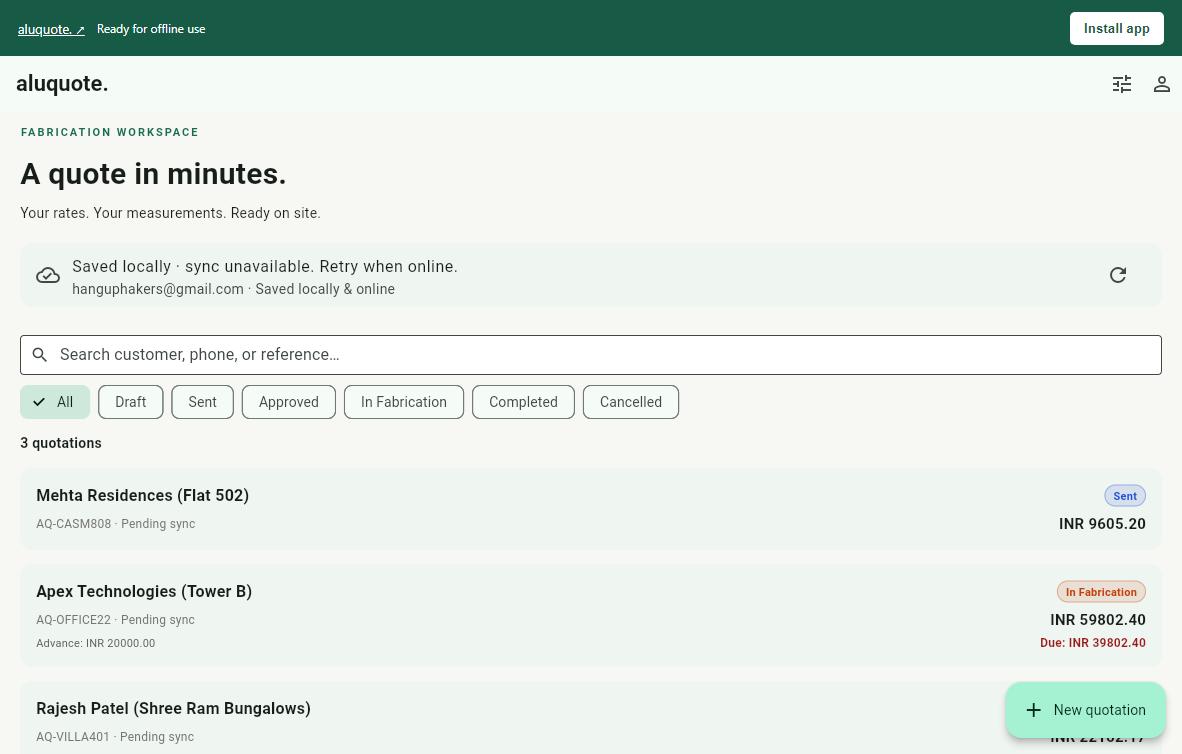
Factory profile weights and deductions for 18mm, 27mm, 35mm, casements, and partitions.
Zero internet required inside basements or reinforced towers. Saves locally and syncs seamlessly.
Export glass-only cutting slips for your supplier with precise cut dimensions and opening tags.
Alux calculates profile weight deductions, glass tolerances, and supplier costs in real time before you leave the site.
From site measurements to customer approval and glass supplier dispatch—watch the complete walkthrough.
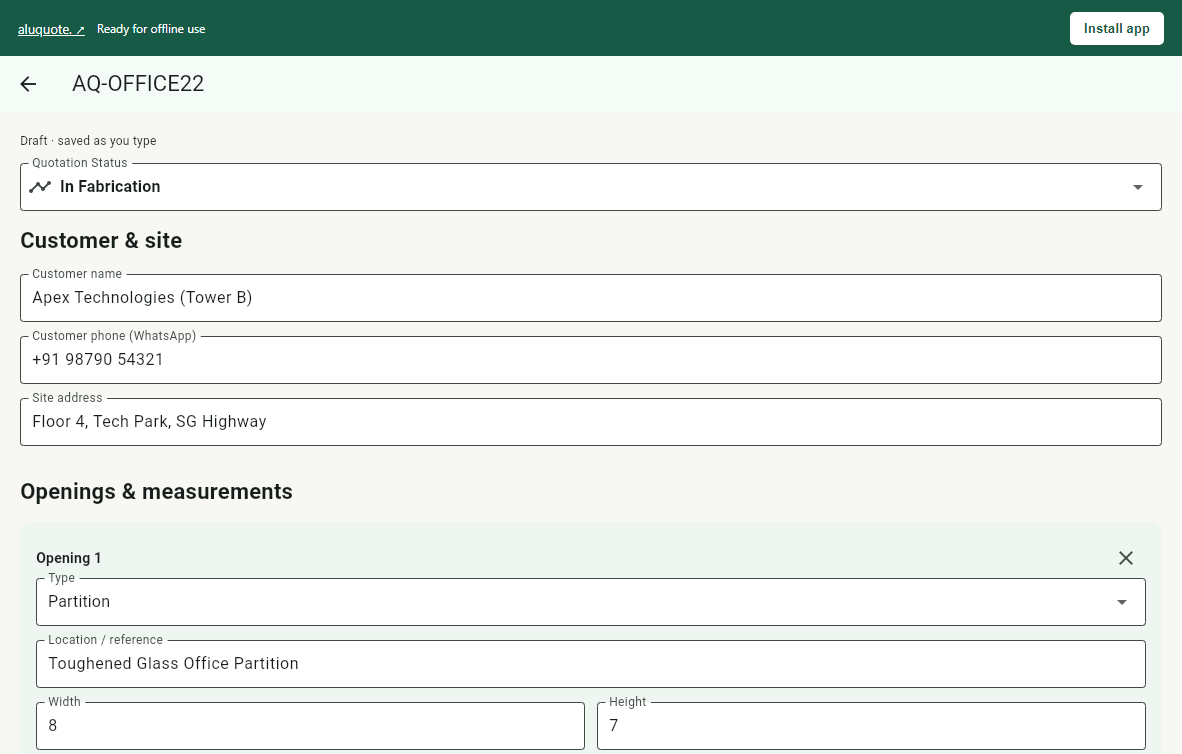
Select 2-Track 18mm, 3-Track with Mosquito Mesh, Casement, Toughened Partition, or Louvers without typing specs from scratch.
Five purpose-built systems operating simultaneously to streamline site measurements, costing, and factory fabrication.
Record customer token advance payments directly on site. Alux continuously monitors outstanding balances, calculates taxes, and updates pipeline status badges (Draft, Sent, Approved, In Production).
Instantly load factory-verified design templates: 2-Track 18mm, 3-Track w/ Mesh, Casement, Partitions, Louvers, and Hinged Doors without manual formula entry.
Maintain your master rate card: profile cost per kg, glass cost per sqft, hardware kit rates, wastage margin, and labour fees. Embeds your official UPI QR code directly on client PDFs.
Generate branded architectural proposals for customers with payment terms and UPI QR. Concurrently export an isolated Glass Cutting Slip containing only glass tolerances and opening locations for your supplier.
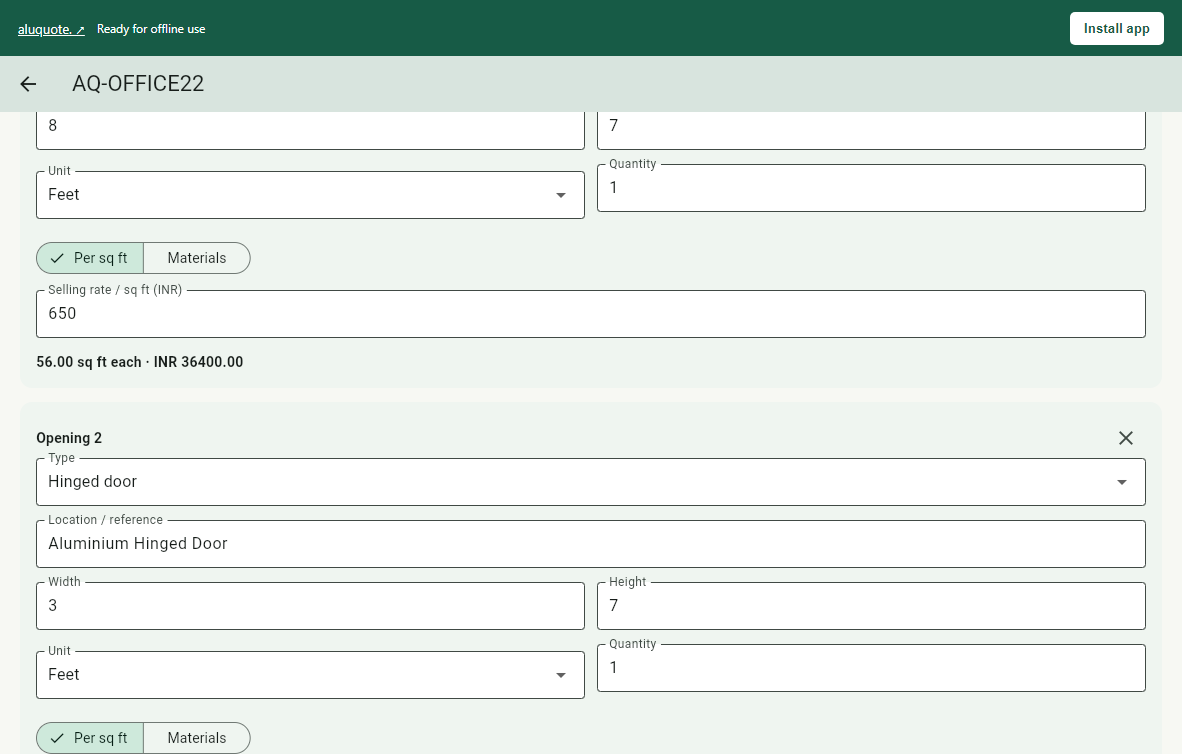
Every screenshot is captured live from the actual Alux Flutter engine on desktop, tablet, and mobile.
Runs seamlessly in modern browsers with WebAssembly, CanvasKit, and Web Worker SQLite storage. Native Android builds compile directly to high-performance ARM64 machine code.
Install Alux on a laptop, phone or tablet.
No app store needed.
Use your Alux workspace on Windows, Mac or Linux. Open in Chrome or Edge, then choose Install app.
Open & install web app ↗On a Mac, Safari → File → Add to Dock is another option. If installation is unavailable in your browser, continue in a tab or open Chrome/Edge.
The same native app fits your phone or tablet. Download the signed APK directly from this website.
Download Android APK ↓Older 32-bit device? ARMv7 (15.7 MB) ↓
SHA-256: 3521cf3679d72d508134b79ef7bf2e64700ae10e7cc8124d3cd8fd0837d71b74For updates, install the newer APK over the existing app. Uninstalling first removes local data. You can also use the installable web app on Android.
Open the web app in Safari. Use Share → Add to Home Screen and enable Open as Web App if shown.
Open for iPhone / iPad ↗The Android APK is for Android devices. Use this web app on your iPhone or iPad.
For offline use, open the web app online once and wait for Ready for offline use. Sign in with the same account to sync project estimates and rates between the web app and Android app while open and connected. Browser data and native device-only data stay separate until copied into your account. Clearing browser data can remove unsynced records; sync important work before doing so.
App won’t open? Repair app loading ↗ without clearing saved projects.
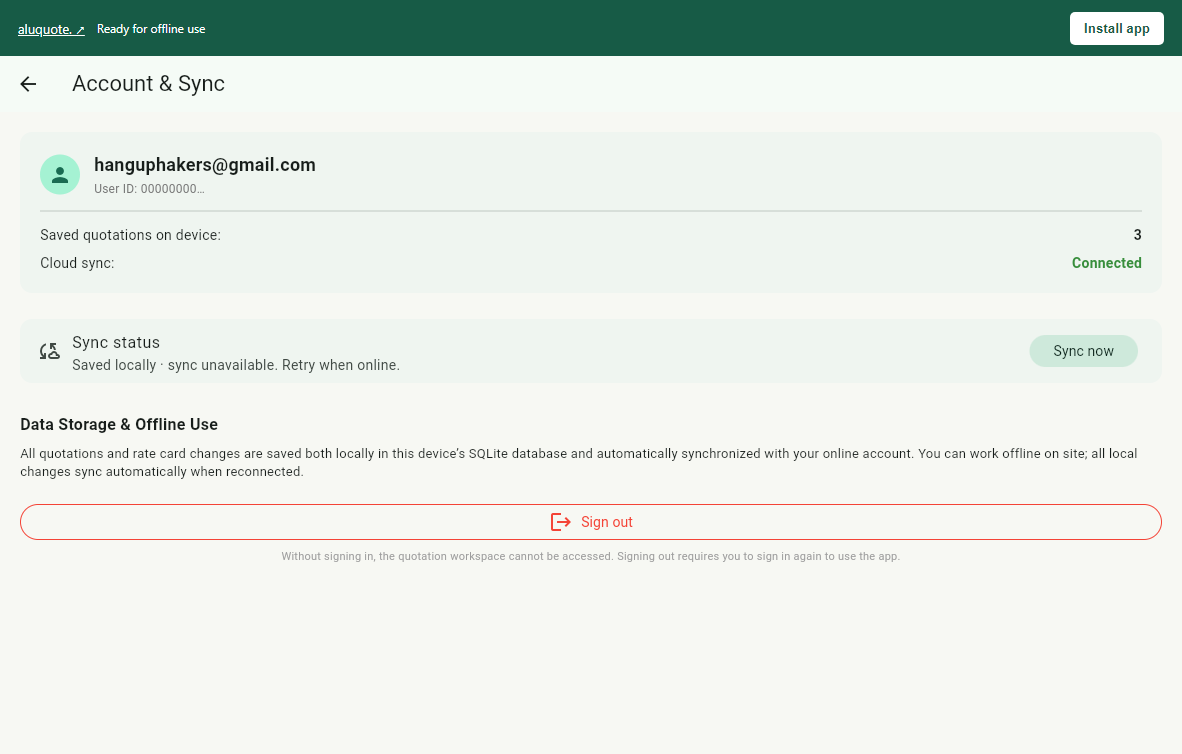
No. Once signed in, Alux operates 100% offline. Every project, measurement, and custom rate is stored in an embedded SQLite database on your local device. As soon as your device detects internet connectivity, data automatically synchronizes to the cloud.
Alux allows dual costing modes: either selling rate per square foot, or extrusion-weight based raw material costing. Extrusion weight is computed via factory kg-per-sqft allowances with automated hardware allowance, glass area deduction, wastage percentages, and markup on cost.
Customer proposals contain your branded workshop letterhead, commercial pricing, GSTIN, and UPI payment details. The Glass Supplier Slip isolates only the glass specifications: cutting width, height, thickness, glass type, and opening location tags, ensuring your profit margins and metal rates remain confidential.
Record any advance token received on site. Alux calculates the remaining balance due automatically, visualizes balance dues across your workspace cards, and prints the exact advance receipt and remaining balance on the customer PDF.
Yes. On Windows, Mac, and Linux, open the web app in Chrome or Edge and click "Install app" for a native desktop PWA. On iPhone and iPad, tap Safari Share → Add to Home Screen. On Android, install the signed APK directly or install the web app.